
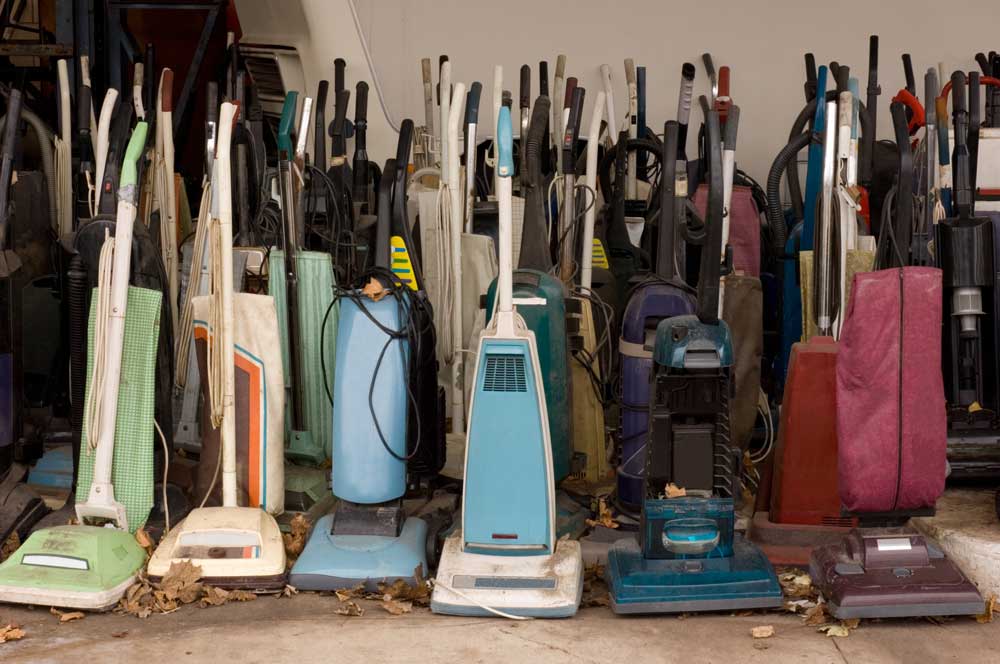
A heavy-duty vacuum cleaner can often last for years. However, just because a vacuum is still running doesn't always mean that it's performing as it should. Old vacuum problems, such as vacuum suction loss, tend to become more prevalent as equipment ages and components wear down.
To help you decide if it is time to replace your vacuum, here is a Kirby upgrade guide that covers the signs you need a new one.
Why Vacuum Performance Changes Over Time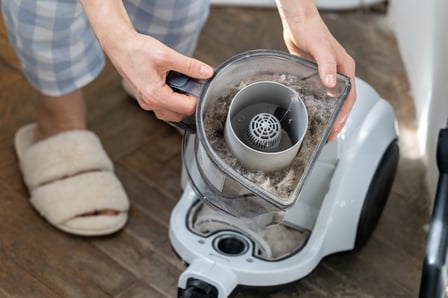
Vacuum cleaners rely on many moving parts, and any piece of equipment with moving parts will experience wear and tear over time. As components such as motors, belts, airflow systems, and brush rolls age, the overall system's performance can gradually decline.
How Daily Wear Affects Suction and Cleaning Power
Every vacuum cleaner experiences wear during operation. From minor motor wear that lowers suction strength to belt stretching that reduces brush roll performance to gradual clogging in filters and airflow channels, many issues can develop from normal, everyday use. These changes may happen slowly, making them difficult to notice until cleaning performance begins to decline.
The Difference Between “Still Running” and “Still Performing”
A vacuum that powers on and collects visible debris may appear to function normally. However, performance involves more than basic operation. If your vacuum doesn't deliver consistent suction across surfaces, requires multiple passes to clean an area, vibrates excessively, or no longer has reliable attachments, it may be time to replace it, even if it still technically functions.
Test 1: The Suction Consistency Check
 Perhaps the simplest vacuum performance test is the suction consistency test. This test lets you see what kind of suction your vacuum delivers across different surfaces and is a great way to check whether everything is still performing as it should.
How to Identify Vacuum Suction Loss
Start by vacuuming a small section of carpet or flooring that has visible debris. Observe how quickly the vacuum collects the debris.
Signs of suction loss may include:
- Debris remaining after a single pass
- Dirt spreading instead of being collected
- Reduced airflow at the hose or attachment
Repeat the test for different surfaces in your home. If the vacuum requires multiple passes to collect debris that previously disappeared quickly, it is likely experiencing suction loss.
Comparing Pickup Performance Across Carpet and Hard Floors
A vacuum that's functioning well should be able to transition between surfaces without a dramatic change in performance.
Test the vacuum on both carpet and hard flooring. If it picks up debris easily on one surface but not the other, airflow restrictions or brush roll wear may be to blame.
When Multiple Passes Signal Decline
Occasional extra passes are needed during heavy cleaning sessions, but if your vacuum consistently requires multiple passes to clean an area, its performance has probably declined.
Test 2: The Debris Retention Test
A vacuum’s internal airflow system plays a major role in how well it functions. Bags, filters, and internal pathways help capture debris while allowing air to move freely through the machine.
Here's a vacuum performance test you can use to make sure this system is performing correctly:
Inspecting Bags, Filters, and Airflow Paths
Begin by checking whether the vacuum bag or dust container is full. Overfilled bags can reduce airflow and limit suction.
Next, examine the filters and internal pathways and look for signs of buildup. If excessive buildup is present, airflow may be restricted. This not only reduces suction but can also cause the motor to work harder than necessary, further accelerating wear.
Signs of Clogging or Reduced Air Circulation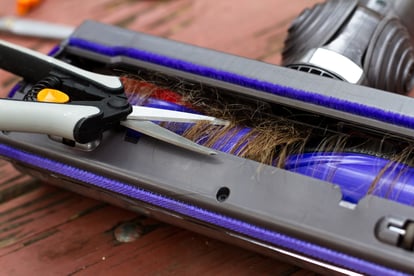
Along with a visual inspection, other signs of clogging or reduced air circulation include:
- Reduced suction at the floor head
- Warm air exiting the exhaust
- Noticeable debris buildup inside the machine
If you notice any of these signs, cleaning the airflow pathways may improve performance.
How Maintenance Impacts Overall Output
Routine maintenance often extends the performance of a vacuum's internal airflow system. By replacing bags, cleaning filters, and checking airflow channels, you can avoid many of the issues that cause a vacuum's performance to decline.
For more information on vacuum maintenance and troubleshooting, check out the Kirby Owner Resource Center.
Test 3: The Noise and Vibration Assessment
Unusual noise or vibration often signals internal issues. On the upgrade vacuum checklist, a strange, persistent noise is rather high up the list.
Unusual Sounds That May Indicate Wear
Listen for changes such as:
- Grinding or rattling sounds
- Higher-pitched motor noise
- Sudden increases in volume
Issues such as worn bearings or imbalanced brush rolls are often responsible for these unusual noises.
How Motor Strain Affects Long-Term Reliability
When components wear down or airflow becomes restricted, it often causes the vacuum's motor to experience additional strain. Motor strain can lead to reduced suction, increased heat generation, and faster wear.
If noise or vibration persists after routine maintenance, the vacuum's motor may be nearing the end of its operational life.
Test 4: The Attachment and Versatility Review
If you are asking yourself, "is it time to replace my vacuum?", you need to consider more than just the vacuum itself. Accessories are important as well and also need to perform as intended.
Are Tools Still Functioning as Intended?
Attachments should connect securely and deliver consistent suction. Check that all your accessories fit tightly into the hose or wand, maintain suction during use, and operate without air leaks.
How Accessories Influence Whole-Home Cleaning
Attachments extend the vacuum’s reach and allow it to handle a variety of surfaces. When your vacuum can easily adapt to different cleaning needs, it indirectly improves performance. That's why it's important to test your accessories as part of your upgrade vacuum checklist.
When Outdated Attachments Limit Performance
If you're having trouble with a single attachment, you may be able to restore performance by just replacing it instead of the whole vacuum. However, if multiple attachments are failing, it is likely a sign that your entire system is in decline.
Test 5: The Maintenance and Repair Reality Check
The final test involves evaluating the vacuum’s maintenance history. This vacuum maintenance test can help you decide whether to repair or replace your vacuum.
Tracking Repairs, Part Replacements, and Downtime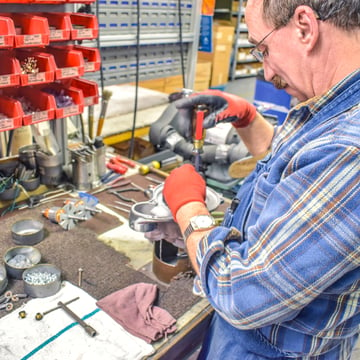
Consider the following questions:
- How often have you had to replace parts in recent years?
- Does the vacuum frequently lose performance after short periods of use?
- Have repairs become more common over time?
If you've been making many repairs or experiencing frequent issues, the vacuum may be nearing the end of its optimal performance window.
When Ongoing Maintenance Signals It May Be Time to Replace
A vacuum that requires constant maintenance or part replacements not only declines in performance but also becomes a hassle and expense. In these cases, replacing the vacuum is often more economical than continuing to maintain it.
Understanding the Difference Between Repair and Upgrade
You don't always have to replace your vacuum at the first sign of an issue; repairs can often restore it to optimal performance. It's when the system itself starts to show consistent decline, rather than a single, replaceable part, that upgrading to a more reliable vacuum cleaner becomes the better choice.
What the Results Mean for Your Cleaning Routine
After completing these five tests, you should have a fairly clear picture of how well your vacuum is performing and whether it is time for an upgrade. If you notice any performance gaps or old vacuum problems, it's a safe bet they're affecting your cleaning routine as well.
When Performance Gaps Justify an Upgrade
When a vacuum doesn't perform properly, it wastes time on extra passes and reduces the effectiveness of your cleaning routine. It also increases the likelihood of frequent repairs that can add up in cost.
That's why noticeable performance gaps often justify an upgrade. By replacing your old vacuum with a high-quality model like the Kirby Avalir Platinum Vacuum, you can optimize your cleaning routine and say goodbye to frequent repairs.